

Cancel an event and tell everyone
WebCancel from the event page and everyone who booked gets an email straight away. Anyone who paid is told their refund will follow. The event page stays up and says the event is cancelled.
Each release, newest first, with the headline features and the smaller improvements and fixes for the web and the mobile app.
Cancel from the event page and everyone who booked gets an email straight away. Anyone who paid is told their refund will follow. The event page stays up and says the event is cancelled.
Set a ticket price on any event and people pay by card when they book. The money goes to your own bank account. Attendly takes its fee from each payment, so there is nothing to invoice and no monthly charge.
Connecting your bank account takes a few minutes and you only do it once. Charities and other Stripe-verified nonprofits pay a lower rate.
Type in someone’s email address and they get an invitation to join your organisation. If they do not have an account yet, the link helps them create one first. You can resend an invite at any time. That gives them a fresh link and another seven days to accept.
Add someone to a single event as a volunteer. They can check people in for that event and nothing else. They never see your other events, your settings or any payment details. Handing a phone to a new volunteer takes two minutes.
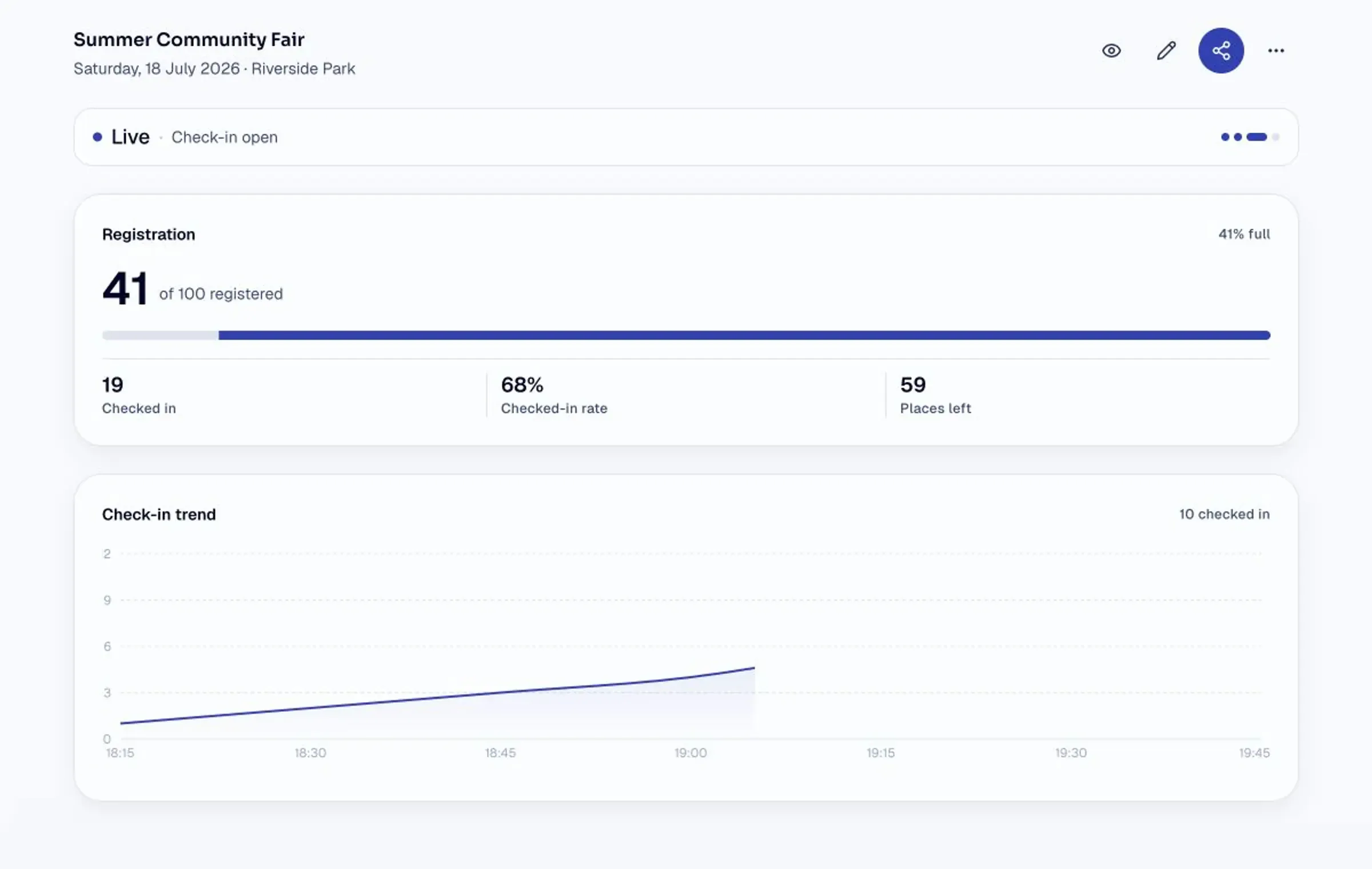
Open an event in the app on the day and check people in as they arrive. Search by name and tap to check in. The running total updates for everyone on the door at the same time. If someone turns up without booking, add them on the spot.
Each event has a guest list. It shows the name, email address and booking time for everyone who registers. You can add someone yourself. You can also upload a list of names from a spreadsheet for people who booked another way.
That’s everything since launch.