

Event links show a preview
WebPaste an event link into an email or WhatsApp and people see the event name, date and picture before they open it. Links to your organisation page work the same way.
Each release, newest first, with the headline features and the smaller improvements and fixes for the web and the mobile app.
Paste an event link into an email or WhatsApp and people see the event name, date and picture before they open it. Links to your organisation page work the same way.
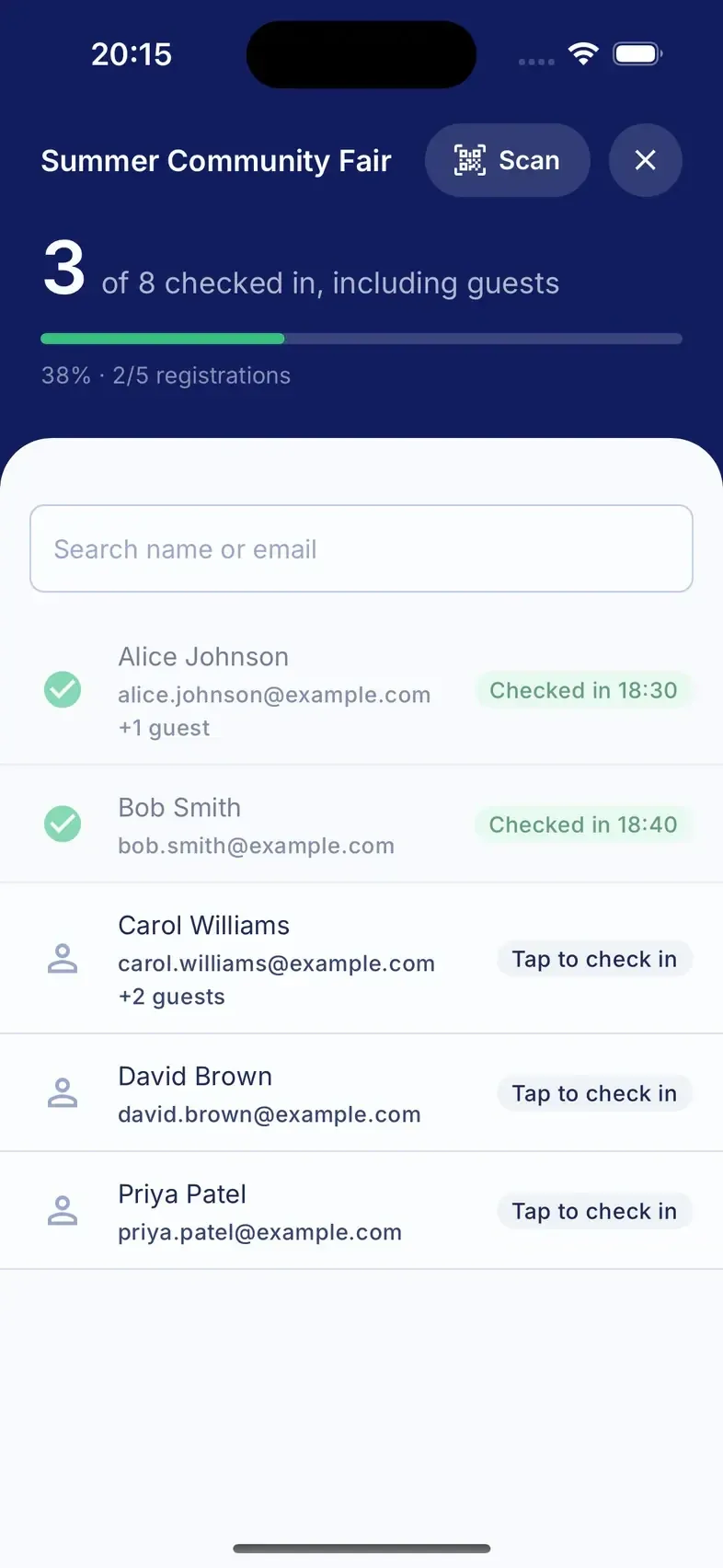
Open your event in the app before you get to the door. The guest list is saved on your phone. Search, check people in and add walk-ups as normal. Everything syncs when you are back online.
If two volunteers check in the same person while offline, only the first check-in counts. The other one shows as already checked in, so your numbers stay right.
Pause bookings from the event page when you are nearly full or need a moment to sort the room. The event stays public and people can still see the details. The booking form is replaced by a short note. Bookings open again the moment you unpause.
Turn on your organisation page and you get one web address to put on posters, newsletters and your website. It lists every upcoming public event with a Register button. New events appear on it as soon as you publish them.
Event pages now show the date, venue and Register button first, with the description below. Long descriptions keep their paragraphs. The page still works with the text size turned right up.
A small mark appears in the app header only when you are offline or check-ins are still sending. Tap it to see when the app last synced and how many check-ins are waiting. There is also a Sync now button. When everything is up to date, nothing shows.
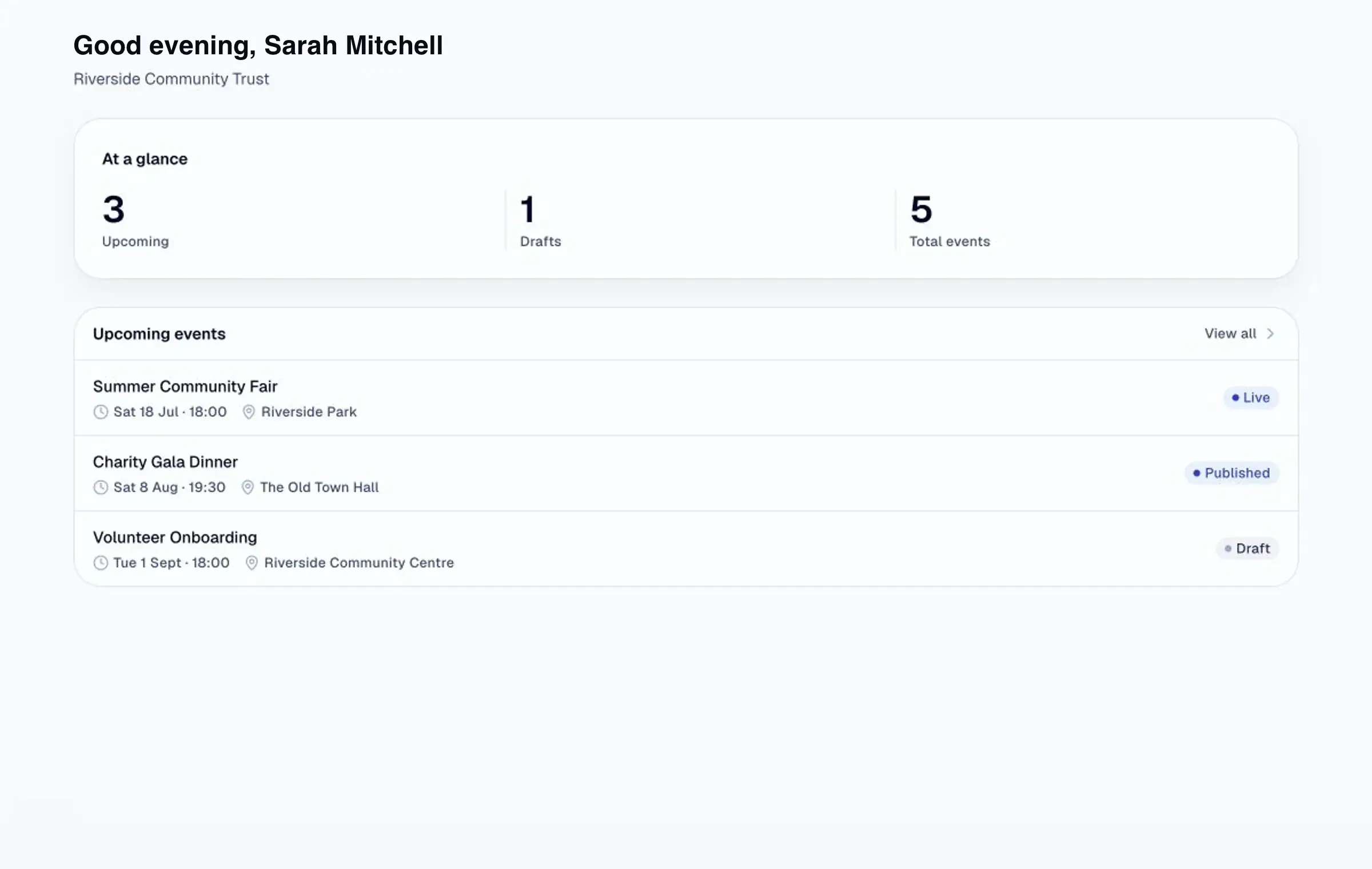
The dashboard now opens on what matters this week. You see your next event and its bookings so far, anything still in draft, and events that have just finished. Each row shows how many people booked and how many turned up.
Every guest list has a Download button. You get a spreadsheet with names, email addresses, booking times and who checked in. Use it for your records or as a fire register.